AI video editing is becoming one of the biggest trends on Instagram, YouTube Shorts, and other social media platforms. Every day, new AI videos go viral with cinematic effects, realistic movements, funny actions, dance styles, photo-to-video transformations, and creative scenes. If you also want to create these types of videos, then Trending All Video Prompt can make the process much easier.
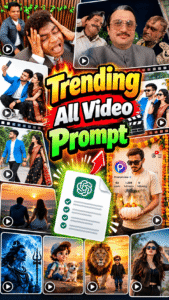
In this post, we are sharing different types of trending AI video prompts in one place. You can use these prompts to turn your normal photos into attractive and realistic AI videos. Whether you want to create a cinematic video, funny video, couple video, dance video, attitude video, festival video, or any other trending Reel, you can choose the required prompt from this post.
What is a Trending AI Video Prompt?
An AI video prompt is a detailed text instruction that tells an AI video generator how your video should look and move. The prompt can describe the character’s actions, facial expressions, body movement, camera angle, background, lighting, video style, and other important details.
A well-written prompt helps the AI understand exactly what you want. This is especially useful when you are creating a video from your own photo and want to maintain the person’s face and overall appearance.
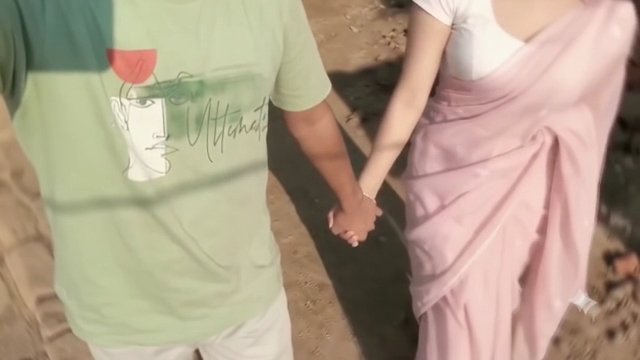
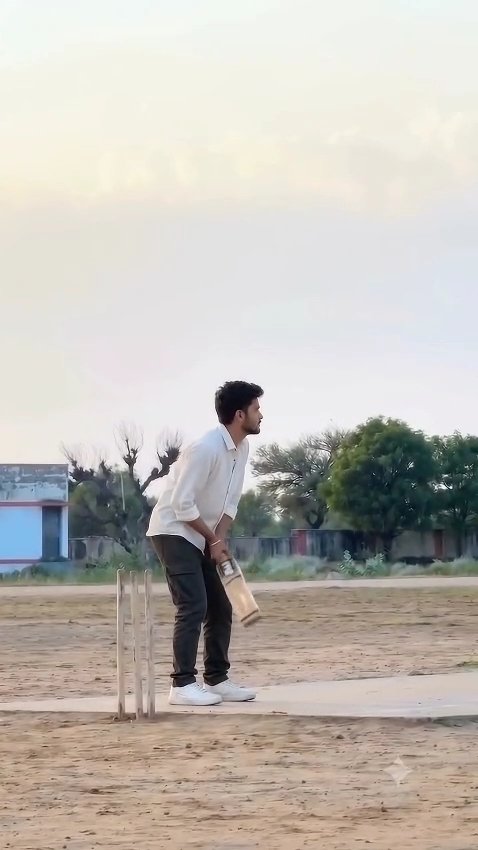
Trending All Video Prompts in One Place
Instead of searching for different prompts again and again, you can find multiple trending video prompts on this page. We will keep adding prompts for popular and viral AI video editing trends.
You can find prompts for cinematic videos, viral Instagram Reels, funny AI videos, dance videos, photo animation, couple videos, attitude videos, festival videos, realistic action scenes, trending transitions, and many other creative AI video styles.
Simply choose the video style you want to create and copy its prompt.
How to Create an AI Video Using a Prompt
Creating an AI video is very simple. First, choose the trending video prompt you want to use from this post. Copy the complete prompt and open your preferred AI video generator.
Upload your photo or reference image. If the AI tool supports reference videos, you can also upload a reference video for better motion and scene accuracy. After uploading the required files, paste the copied prompt into the prompt box.
Select the appropriate video ratio, such as 9:16 for Instagram Reels and YouTube Shorts, and start generating the video. The AI will process your photo and prompt to create the final video.
Once your video is ready, preview it carefully. If everything looks good, download the video and use it for your Instagram Reel, YouTube Short, or other social media content.
Tips for Better AI Video Results
Always use a clear and high-quality reference photo where the person’s face is properly visible. Avoid blurry, dark, or heavily edited photos because they can affect face consistency.
For realistic results, your prompt should clearly describe the movement, camera position, lighting, background, and character actions. If you are using a reference video, try to select a video with clear movements and an unobstructed subject.
For Reels and Shorts, a vertical 9:16 video format usually works best.
Why Are AI Video Prompts Trending?
AI video tools have made it possible to create creative videos without professional cameras, complicated editing software, or advanced editing skills. A single photo and a detailed prompt can now be used to create impressive video scenes within minutes.
This is why AI-generated videos are becoming increasingly popular among Instagram creators, YouTubers, editors, and social media users. New trends appear frequently, and using the right prompt makes it much easier to recreate them.
Conclusion
If you are looking for Trending All Video Prompt, this post will help you find different viral AI video prompts in one place. Choose your favorite trend, copy the prompt, upload your photo to an AI video generator, and create your own version of the trending video. We will continue adding new and trending AI video prompts so you can easily try the latest Instagram Reels and YouTube Shorts trends. Save this page and check it regularly for new AI video editing prompts.
