Karwa Chauth is one of the most beautiful and special festivals celebrated by married couples in India. On this day, women observe a fast for the long life, happiness, and good health of their husbands. In the evening, they perform Karwa Chauth puja and look at the moon through a traditional chalni before breaking their fast.
Nowadays, Karwa Chauth AI photo and video editing is becoming very popular on Instagram, YouTube Shorts, and other social media platforms. With the help of AI tools, you can easily turn your normal photo into a beautiful traditional Karwa Chauth photo without arranging expensive outfits, jewellery, decorations, or professional photography.
Karwa Chauth AI Photo Editing
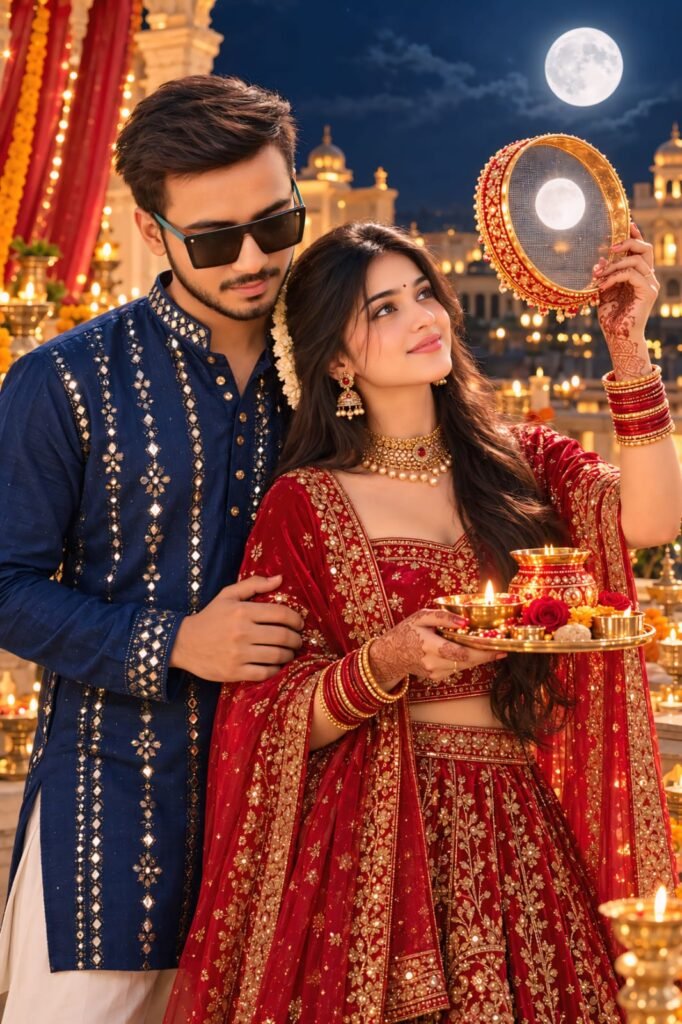
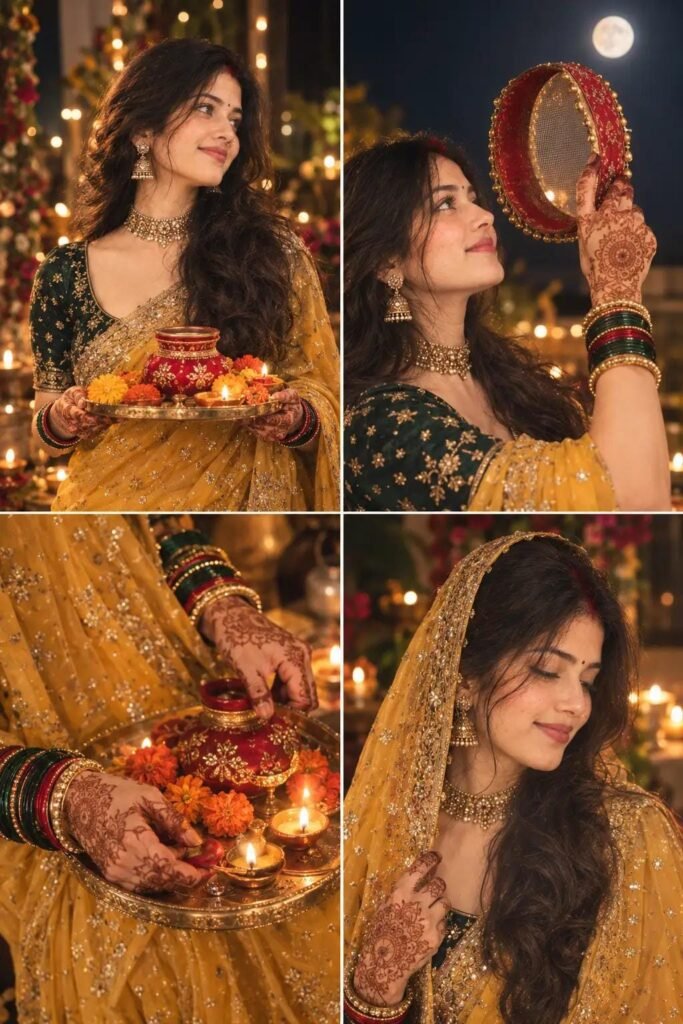
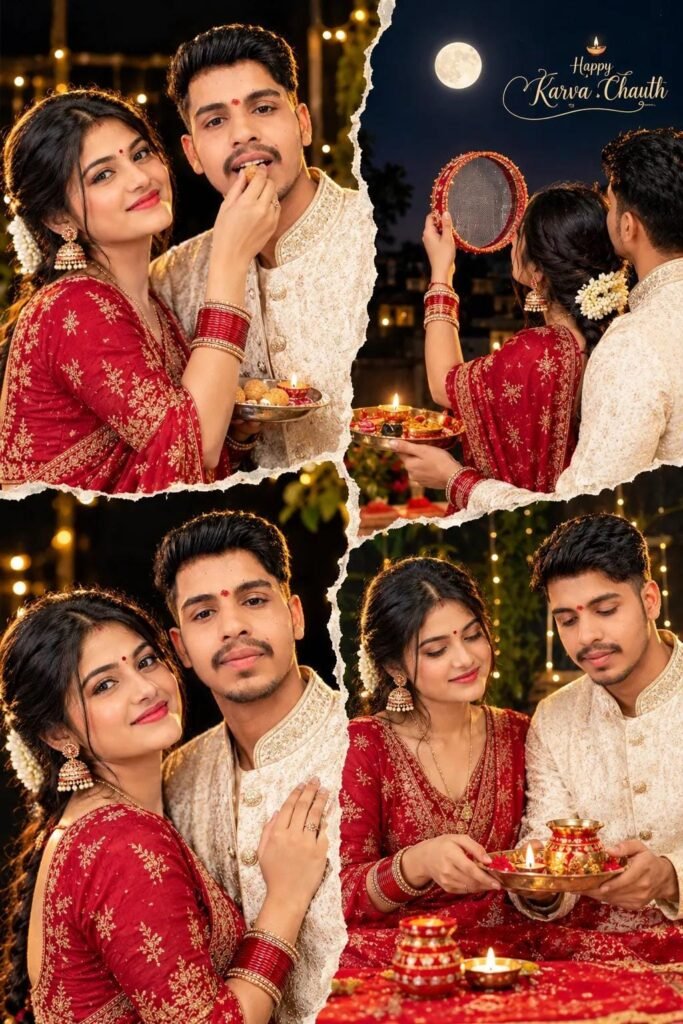
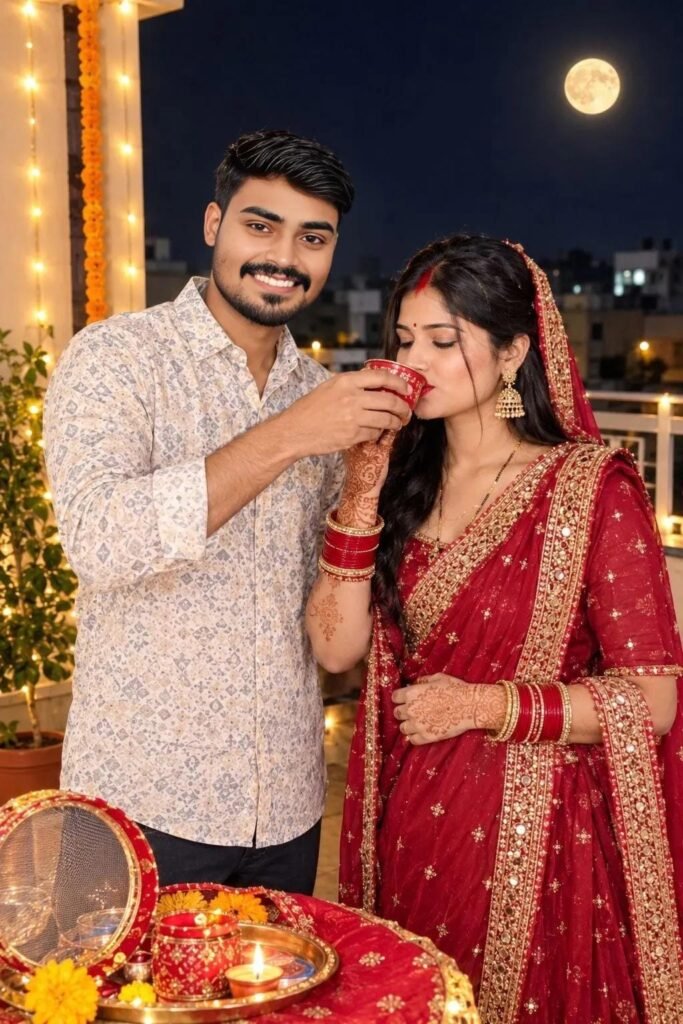
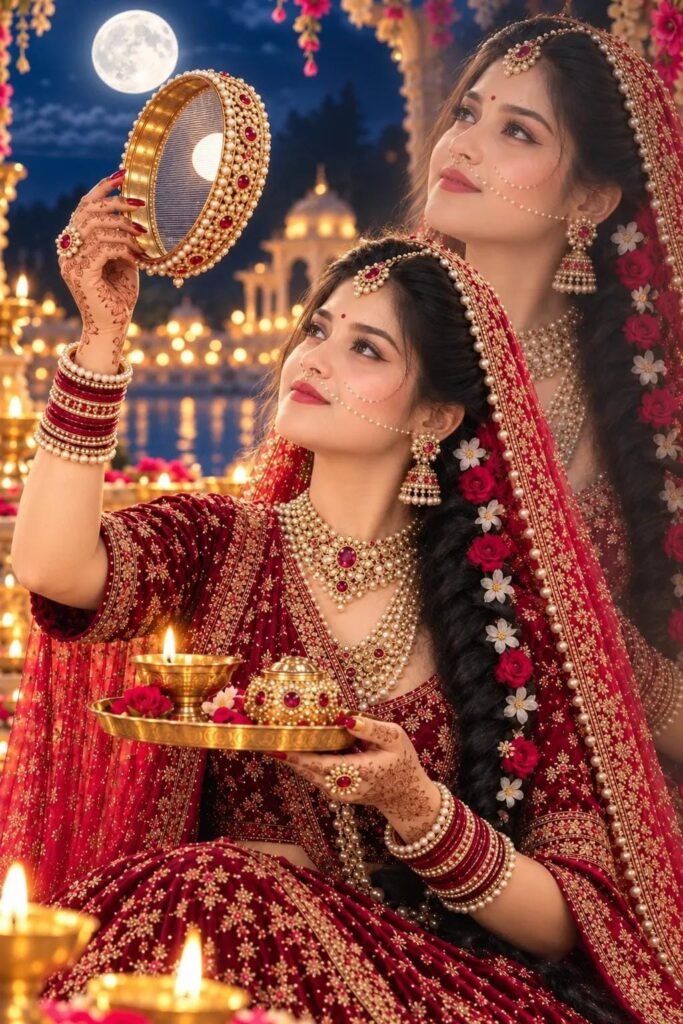
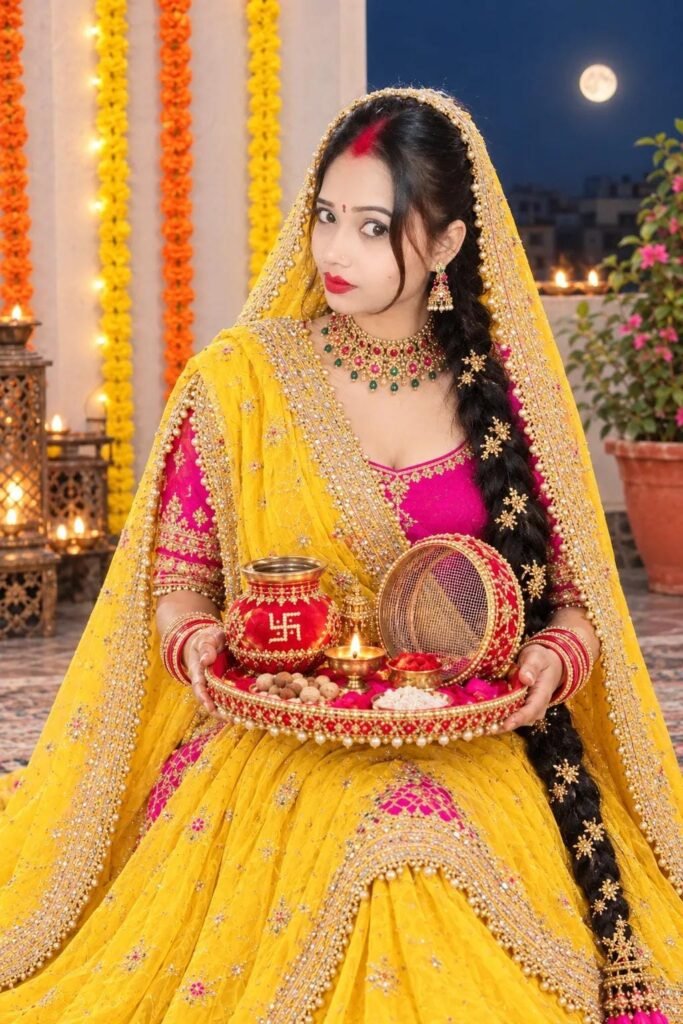
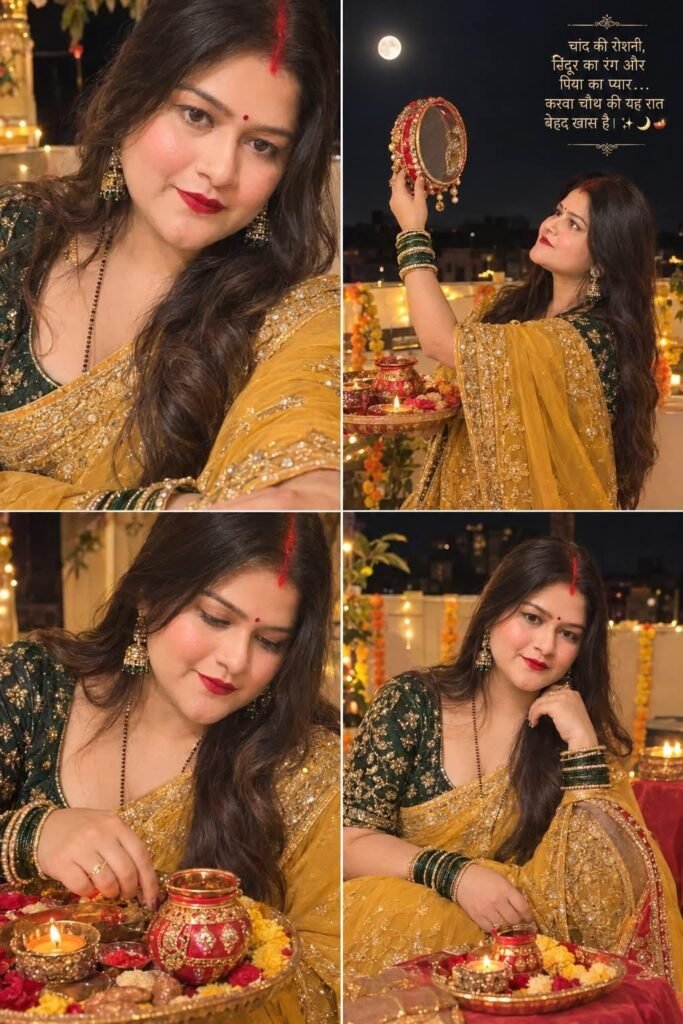
Using AI photo editing, you can create a realistic Karwa Chauth look with a red lehenga, saree, bridal jewellery, mehndi, bangles, sindoor, and traditional makeup. AI can also add a beautiful full moon, glowing diya, decorated puja thali, chalni, festive lights, and a royal terrace background.
You can create both solo and couple Karwa Chauth photos. For couple photos, upload clear pictures of both people and use a detailed AI prompt. You can create a romantic scene where the woman looks at the moon through the chalni while her husband stands beside her.
For the best result, always upload a clear and high-quality photo where the face is properly visible. This helps the AI maintain the original face and create a more natural image.


Karwa Chauth AI Video Editing
You can also convert your Karwa Chauth AI photo into a cinematic video. Upload the generated photo to any AI image-to-video tool and add a video prompt.
You can add movements like slowly raising the chalni, looking at the moon, smiling, moving hair, glowing diya flames, and natural dupatta movement. Slow camera movement and warm cinematic lighting can make the video look more professional and realistic.
If you want to upload the video on Instagram Reels or YouTube Shorts, use a 9:16 vertical aspect ratio.
How to Create Karwa Chauth AI Photo
First, select a clear photo and upload it to your favourite AI image generator. Copy the Karwa Chauth AI prompt given in this post and paste it into the tool. Generate the image and check the face, hands, outfit, jewellery, and background.
If the result is not perfect, generate it again with the same prompt or make small changes.
Conclusion
Karwa Chauth AI photo and video editing is an easy way to create beautiful festive content using your own photos. With the right prompt, you can create realistic traditional looks, romantic couple scenes, moon-viewing photos, and cinematic Karwa Chauth videos for Instagram, YouTube Shorts, Facebook, and WhatsApp.
